Engine sound while you drive: a new EV USB Studio feature
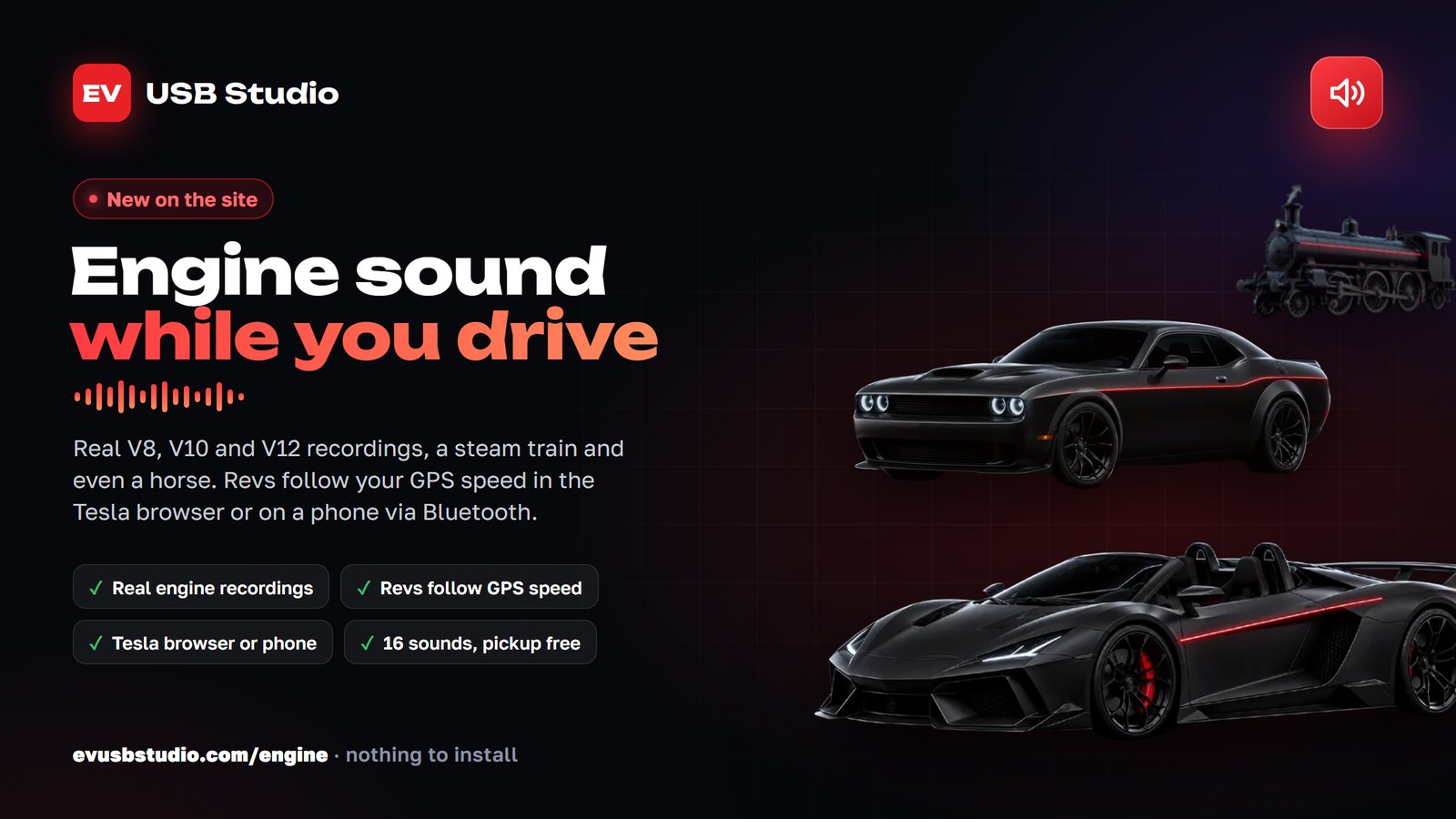
There is a brand new feature on the site: Engine Sound. Your car sounds like a supercar, a muscle car, a steam train or even a horse, right while you drive. The sound follows your speed: pull away and the engine revs up, accelerate and it shifts up, lift off and it winds down. Nothing to install, it all runs in the browser.
How it sounds
It is built on real engine recordings, not a synthesizer: live V8, V10 and V12 engines, a turbo six, a rally engine, a steam train with its whistle, a horse that walks, trots and gallops depending on the speed, and a tank with clanking tracks. Each recording is split into single engine cycles, and the player assembles them to match your current speed, so the revs change smoothly and naturally.
Where to listen
- In the Tesla browser. Open evusbstudio.com/engine on the car screen, press Start and allow location. The sound plays through the car speakers.
- From a phone in any car. Connect your phone to the car over Bluetooth, open the same page and press Start. The phone screen stays on while the sound plays. Keep the page open.
Set the loudness with the usual volume control of the car or the phone. While parked, you can try the sound without driving: hold the Gas pedal on the page.
What is included
- The V8 pickup is free with any account: just sign up.
- Five demo clips can be played without signing up.
- There are 16 sounds for now; the rest come with the EV USB Studio subscription. More are on the way.
Location is used only inside the browser on your device to work out the speed. Coordinates are never sent to our server and are not stored anywhere.