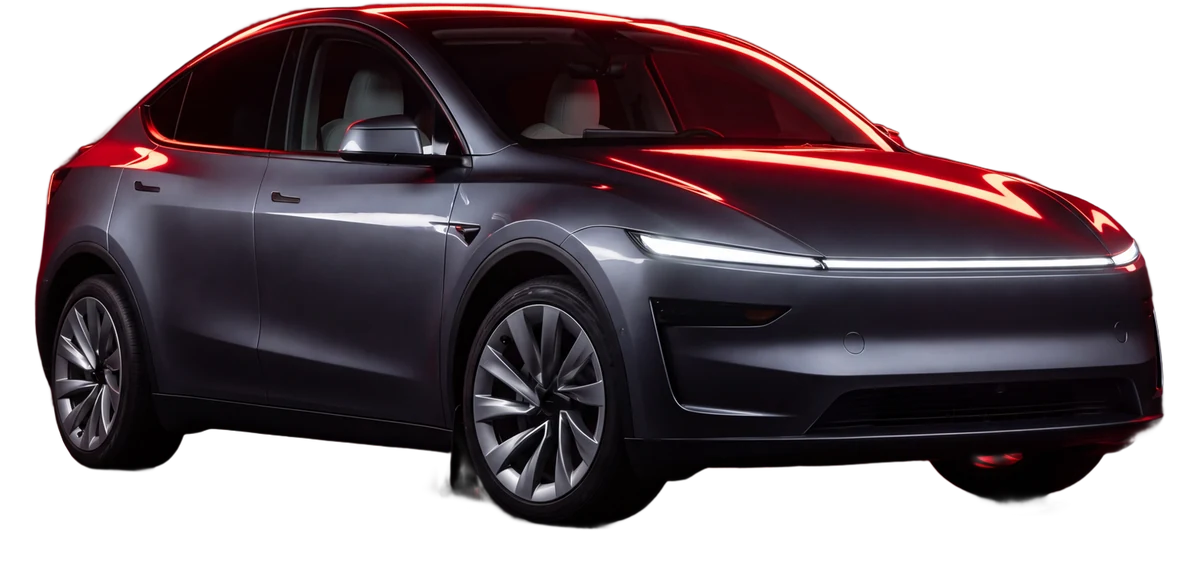

USB studio for your Tesla
EV USB Studio prepares a USB drive for your Tesla in a couple of clicks: custom lock sound (LockChime) and Boombox, light shows, car wraps, license plates and a handy dashcam (TeslaCam / Sentry) viewer.
Windows and macOS · 14 languages · no command line
Everything for a Tesla USB in one window
No command line, no complex setup - pick a file, click a button, done.
Lock sound & Boombox
Your own lock/close sound and Boombox tones. Volume, trim and splice editor.
Light shows
Validate and prepare light shows, with automatic audio preparation into the right format.
Car wraps
Ready templates and your own wrap designs, correctly sized for each model.
License plates
Your own plates in the exact format the car screen accepts.
Dashcam viewer
6 cameras in sync, trim and export the moment you need - as a grid or per camera.
USB partitioning
Formatting and correct volumes so the dashcam does not conflict with shows and Boombox.
Start for free
Format the drive into the correct Tesla layout and load ready-made sounds, wraps and light shows - free, right after install.
Download free- ✓Format the USB into the correct Tesla layout
- ✓A set of ready-made lock sounds and Boombox tones
- ✓A set of ready-made wraps for your model
- ✓Ready-made light shows for your Tesla
Three steps to a ready USB
Plug in the USB
The app finds it and, if needed, partitions it for Tesla.
Set up the content
Sounds, shows, wraps, plates - build the set for your car.
Ready for the car
Put the USB in your Tesla - it just works.
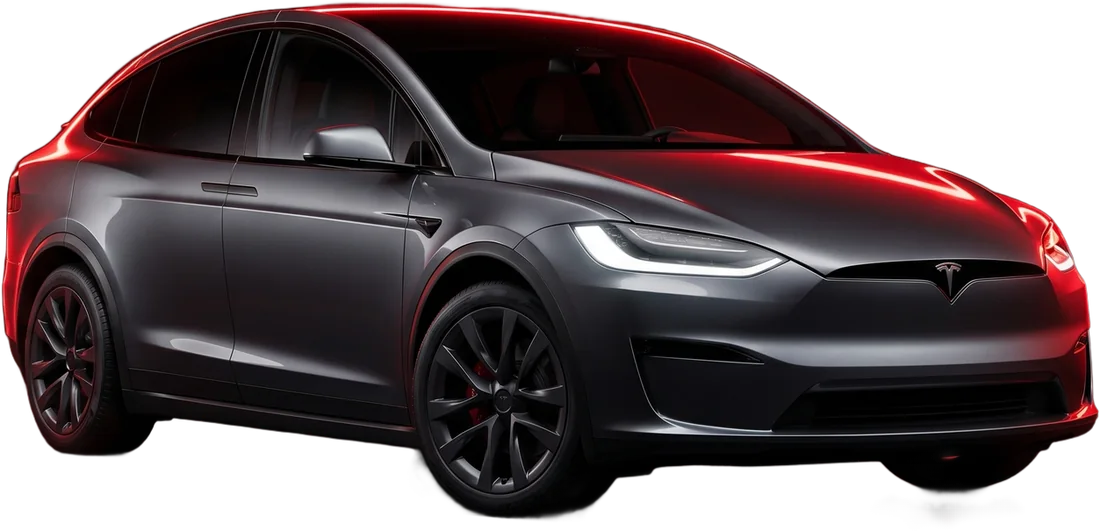
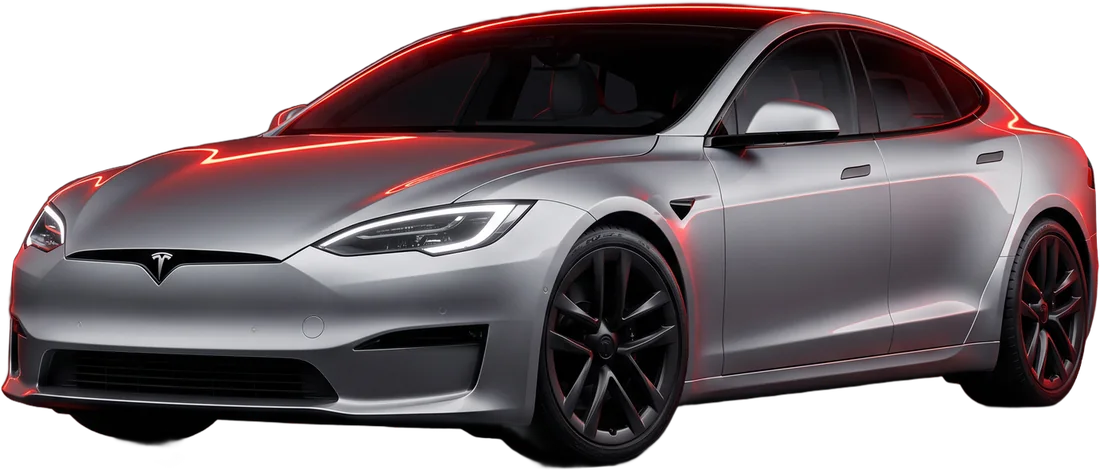
See how it works
A live copy of the app - switch sections and look inside the editors.
Drive
Install EV USB Studio
Free download. Payment only unlocks all features.
One-time payment - lifetime access
Pay once and use every feature with no limits.
- All features unlocked forever
- Activation code bound to one device
- After payment the key arrives by email and activates in the app
- Free: USB formatting, lock sound, a set of sounds and wraps, light shows
Frequently asked questions
Everything about the Tesla lock sound (LockChime), Boombox, light shows, wraps and dashcam.